
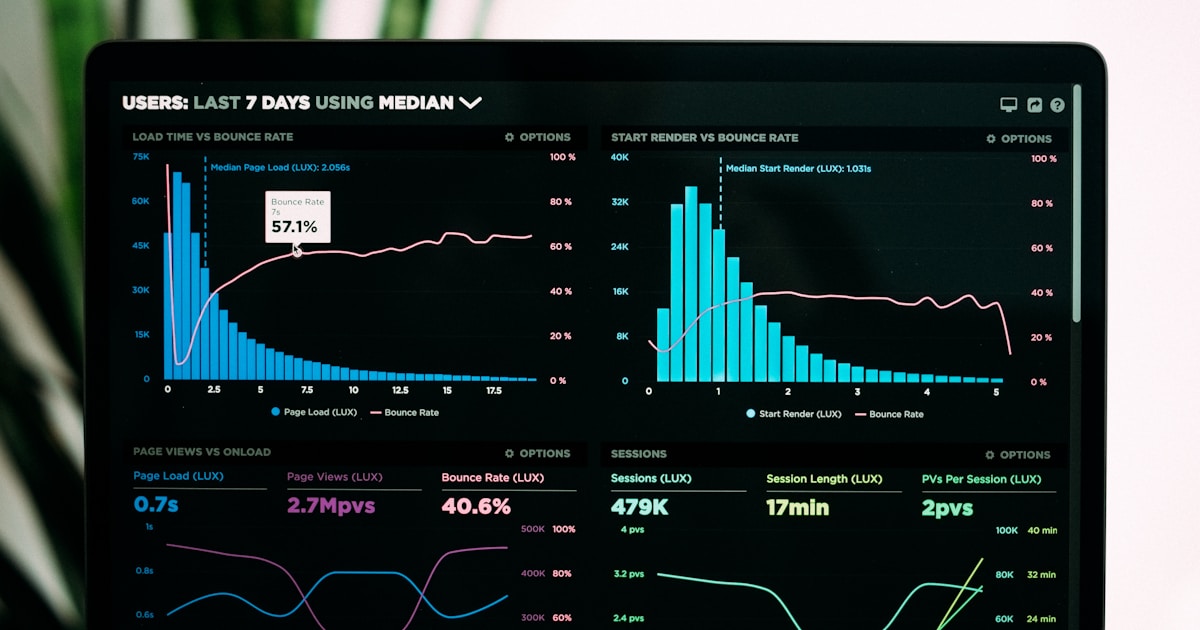
A well-designed database is invisible — queries return in milliseconds even when processing millions of rows. A poorly-designed database becomes the default bottleneck, with business logic waiting on slow queries and infrastructure struggling under unnecessary load. I've spent countless hours analyzing slow queries, and the good news is that most performance problems follow predictable patterns that are straightforward to fix once you understand them.
Understanding EXPLAIN and Query Plans
The foundation of query optimization is understanding how PostgreSQL executes your query. The EXPLAIN command shows the execution plan:
EXPLAIN ANALYZE
SELECT users.name, COUNT(orders.id) as order_count
FROM users
LEFT JOIN orders ON users.id = orders.user_id
GROUP BY users.id;
This outputs a tree structure showing how PostgreSQL processes your query. Look for: Sequential Scans (table scans — bad for large tables), slow nodes (operations taking most of the time), and mismatches between estimated and actual rows (bad statistics).
Common nodes include: Seq Scan (full table scan), Index Scan (using an index), Hash Join (creating a hash table), Nested Loop (inefficient for large datasets), Sort (expensive operation), Aggregate (grouping/counting).
Indexing Strategy
Indexes are the primary lever for query performance. Add indexes to columns in WHERE clauses, JOIN conditions, ORDER BY, and GROUP BY. However, indexes have a cost — they slow down writes and consume disk space. The strategy is to index judiciously.
For a typical OLTP workload (lots of reads and writes), create a single-column index for frequently filtered columns:
CREATE INDEX idx_orders_user_id ON orders(user_id);
CREATE INDEX idx_orders_created_at ON orders(created_at);
CREATE INDEX idx_users_email ON users(email);
Composite indexes are useful when queries consistently filter on multiple columns together:
-- Use this if queries always filter on status AND user_id together
CREATE INDEX idx_orders_user_status ON orders(user_id, status);
The N+1 Query Problem
This is the most common performance problem I encounter. You load a collection of records, then access a relationship on each one, triggering a query per iteration. With 1000 users, you'd run 1001 queries instead of 1.
The solution is eager loading — fetch the related data in a single query using a JOIN or subquery. In Laravel, use with(). In raw SQL, use a JOIN or IN clause:
-- Bad: 1001 queries
$users = User::all();
foreach ($users as $user) {
    echo $user->orders->count(); // Query per user
}

-- Good: 2 queries
$users = User::with('orders')->get();
foreach ($users as $user) {
    echo $user->orders->count(); // No query
}
Optimization Techniques
Partial Indexes: Index only a subset of rows, reducing index size and write overhead. Useful for queries that often filter by a condition:
-- Only index active users, not deleted ones
CREATE INDEX idx_users_active_email ON users(email) WHERE active = true;
Covering Indexes: Include additional columns in the index so queries can read the entire result without accessing the main table:
-- A query selecting user_id and email can read entirely from the index
CREATE INDEX idx_orders_covering ON orders(user_id) INCLUDE (email, status);
Materialized Views: Pre-compute expensive aggregations and refresh them periodically:
CREATE MATERIALIZED VIEW user_stats AS
SELECT user_id, COUNT(*) as order_count, SUM(amount) as total_spent
FROM orders
GROUP BY user_id;

-- Refresh when needed
REFRESH MATERIALIZED VIEW user_stats;
Common Mistakes
Functions in WHERE clauses prevent index usage: WHERE LOWER(email) = 'john@example.com' won't use an index on email. Instead, normalize the data or use case-insensitive collations.
OR conditions can force a full table scan. WHERE user_id = 1 OR user_id = 2 might not use an index. Rewrite as WHERE user_id IN (1, 2).
Incorrect statistics lead to bad plans. Run ANALYZE regularly so the query planner has accurate row count estimates.
Performance optimization is iterative and data-dependent. Start with EXPLAIN ANALYZE, fix the slowest operations first, and retest. What I've learned is that the difference between a query taking 100ms and 10ms often comes down to the right index or rewriting a join condition. Invest in this skill early.