
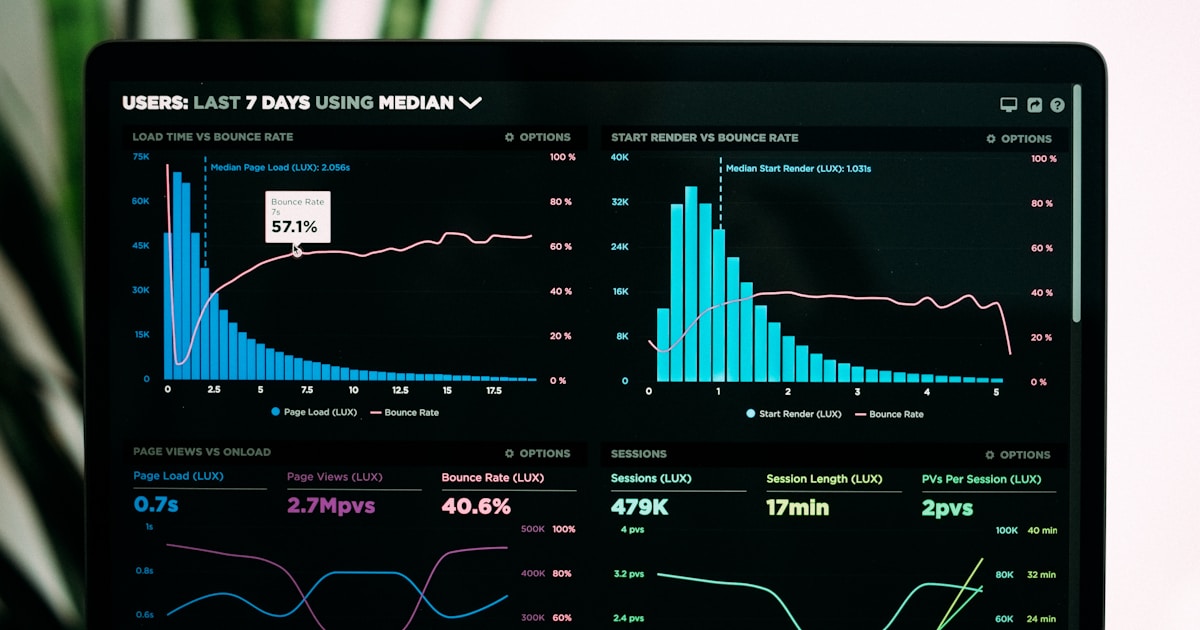
Performance degrades gradually. One feature adds 50KB of JavaScript. Another adds 100KB of images. A few API calls get slower. Suddenly, your fast app is slow and users leave. Performance budgets prevent this creep.
A performance budget is a limit on the resources your application can use. "JS bundle size < 100KB," "First Contentful Paint < 1 second," "API response time < 200ms." When a change violates the budget, the build fails and you investigate before shipping.
Defining Metrics That Matter
Core Web Vitals (Google's metrics):
- Largest Contentful Paint (LCP): How long before the user sees meaningful content? Target: < 2.5s
- First Input Delay (FID) / Interaction to Next Paint (INP): How responsive is the app to user input? Target: < 100ms
- Cumulative Layout Shift (CLS): Does content jump around while loading? Target: < 0.1
Other important metrics:
- Bundle size (JavaScript + CSS)
- Time to Interactive
- API response time (p95)
- Database query time (p95)
- Image size
Setting Realistic Budgets
Measure your current performance, then set budgets 5-10% lower. Don't set arbitrary budgets — base them on real data.
// lighthouse.config.js
const budget = {
  timeouts: [5000],
  points: 100,
}

const budgets = [
  {
    resourceType: 'script',
    resourceCategory: 'third-party',
    budget: 250, // KB
  },
  {
    resourceType: 'image',
    budget: 1000, // KB
  },
  {
    resourceType: 'font',
    budget: 100, // KB
  },
  {
    metric: 'first-contentful-paint',
    budget: 1800, // ms
  },
  {
    metric: 'largest-contentful-paint',
    budget: 2500, // ms
  },
]

module.exports = { budget, budgets }
Enforcing Budgets in CI
Run Lighthouse in your CI pipeline. Fail the build if budgets are violated:
// GitHub Actions
name: Performance Budget

on: [pull_request]

jobs:
  budget:
    runs-on: ubuntu-latest
    steps:
      - uses: actions/checkout@v2
      - uses: actions/setup-node@v2
      - run: npm install
      - run: npm run build
      - name: Lighthouse
        uses: treosh/lighthouse-ci-action@v9
        with:
          configPath: './lighthouse.config.js'
          uploadArtifacts: true
Bundle Size Monitoring
For JavaScript applications, use tools like bundlesize, size-limit, or webpack-bundle-analyzer:
// package.json
{
  "size-limit": [
    {
      "path": "dist/index.js",
      "limit": "50 KB"
    },
    {
      "path": "dist/index.css",
      "limit": "10 KB"
    }
  ]
}

// Run in CI
npm run size-limit
Monitoring in Production
CI budgets catch regressions during development. Production monitoring catches real-world performance:
- Real User Monitoring (RUM): Measure actual user experience (Google Analytics, Datadog)
- Synthetic monitoring: Simulate page loads from different locations (WebPageTest, Lighthouse)
- Custom metrics: Track business-critical operations (checkout completion time, search result latency)
Performance budgets aren't restrictive — they're enabling. They let you grow features without sacrificing speed. Every developer benefits from clear boundaries.